Best Deal of the Winter : 3 Services, 1 Price £499
10-Page WebsiteSEO (AIO, AEO, GEO)Google Business Profile
Best Deal of the Winter : 3 Services, 1 Price £499
10-Page WebsiteSEO (AIO, AEO, GEO)Google Business Profile
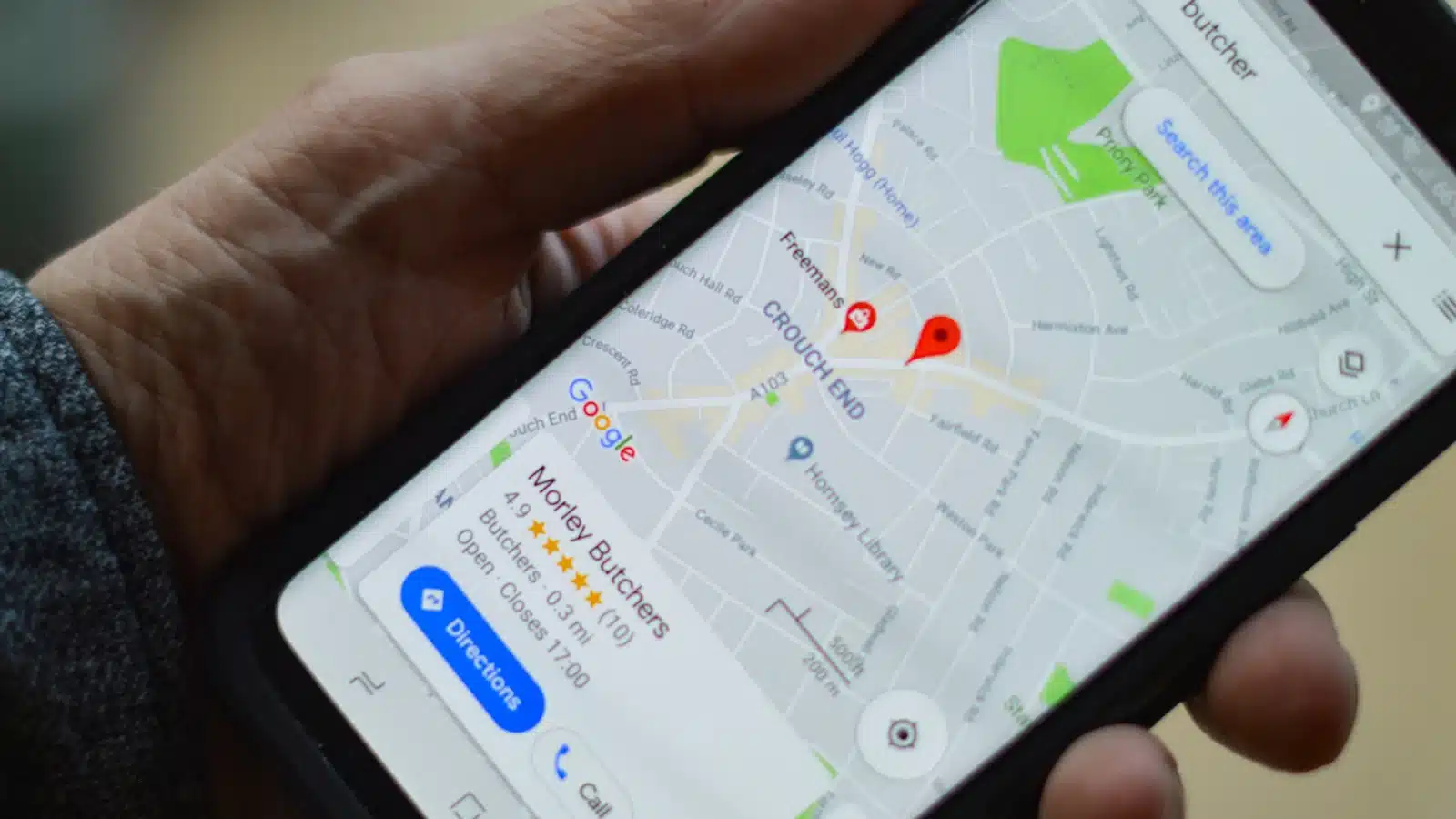
A local SEO checklist turns a vague goal, “get us on Google Maps”, into a list of jobs you can tick off one at a time. This one has 30 steps in the order we work through them for our own clients: the Google Business Profile, reviews, your website, listings and links, then a simple monthly routine.
Use it to do the work yourself, or to check what you are getting from local SEO packages. Almost every step is free; the main cost is your time, so the order matters.
Quick answer
A local SEO checklist covers five areas: your Google Business Profile, reviews, the local pages on your website, consistent listings and local links, and monthly tracking. Work through them in that order, because Google ranks local results on relevance, distance and prominence, and each area improves at least one of the three.
Local SEO is the work that helps a business appear when people nearby search for what it sells, such as “electrician in Cardiff” or “dentist near me”. Many of those searches show a map with three businesses, often called the map pack, above the normal results.

A local SEO checklist is the list of tasks that gets you into that map pack and the local results under it. Working from a list stops a problem we often see on audits: a business that has done a few big things well and missed small ones, like the wrong category or a phone number that differs between listings.
The 30 steps below sit in five phases. Do them in order the first time, then repeat phase 5 every month.
Google says local results are based mainly on relevance, distance and prominence. You can read this in Google’s own guide to improving your local ranking.
How well your profile and website match the search. Your categories, services, description and service pages all feed this.
How far your business is from the searcher, or from the place named in the search. You cannot move your business, but you can tell Google clearly which areas you serve.
How well known your business is. Google looks at reviews, links, articles and listings across the web, and says your position in normal web results counts too.
Every step in this checklist improves at least one of the three. Distance is the one you control least, which is why relevance and prominence get most of the work.
Your Google Business Profile is the listing that appears in the map pack and in Google Maps. For many local businesses it is where enquiries start, so it comes first.

Search for your business on Google Maps, or go to Google Business Profile, and claim the listing. Google will ask you to verify it, often by video, phone, text or email. Until it is verified, your edits may not show and you cannot see the performance data.
Google uses your categories to match you with searches. Choose the most specific primary category for your main service, such as “Electrician” rather than “Contractor”, then add a few secondary categories for other services you really offer. Check the categories your top competitors use, because they show what Google already links to your type of business.
Enter the name on your signage, van and invoices. Adding keywords or towns to the name breaks Google’s guidelines for business profiles and can get the profile suspended. If you want to rank for a service, add it as a service instead.
If customers visit you, show your address. If you travel to customers, as plumbers, cleaners and mobile hairdressers do, set up as a service-area business: hide the address and list the towns or areas you cover. Do not use a virtual office or PO box as your shop front.
Use the Services section to list each job you do, with a short, plain description and a price where you can. These words help Google match you with specific searches, like “boiler repair” as well as “plumber”. Keep the descriptions specific and honest, and remove any service you no longer offer so the right customers call.
You have 750 characters. Say what you do, who for, where, and what makes you different, in normal sentences. Leave out links and sales offers, which Google does not allow in the description.
Set your normal hours and add special hours for bank holidays and Christmas. Google can show “Open” or “Closed” to searchers, and a customer who arrives to a locked door is likely to leave a bad review. Check your hours whenever they change, such as over the summer or when you take on staff.
Add your logo, a cover photo, your team, your vans or premises and finished jobs. Use real photos, not stock images, and add a few new ones every month so customers can see you are still busy.
What we do: when we take on a local client, we check the Google Business Profile against these eight steps before we touch the website, because the profile is what most searchers see first.
Reviews are part of prominence, and they are also what a customer reads before they call. This phase is about a steady flow of genuine reviews and a profile that clearly looks active.

Copy your review link from the profile and send it by text or email straight after a job, while the customer is pleased. A QR code on invoices or a counter card works well for shops. Ask everyone, not only the people you expect to be positive. A short, friendly message that names the job works better than a generic request, and it reminds the customer exactly what they are reviewing.
Never pay for reviews, offer discounts in return for them or write reviews for yourself. Google’s rules ban all three, and fake reviews can be removed or lead to restrictions on your profile.
Thank people by name and mention the job, for example “Thanks Sarah, glad the new fuse board is working well.” For a bad review, reply calmly, say what you will do and take the details offline. Future customers read the replies as well as the reviews.
Prefer it done for you? Steps 1 to 10 are where we start with every local client. Send us your website with the form at the end of this guide and we will check your profile against them for free.
Use Google posts for offers, finished projects, seasonal tips and news. Add a photo and a button to call or book. Regular posts keep the profile fresh and give searchers a reason to choose you over the business next door. Plan posts a month ahead, so a busy week never means the profile goes quiet.
The Performance view in your profile shows calls, website clicks, direction requests and the searches that found you. Write the numbers down each month so you can see which changes are working. The searches list is useful too: it shows the words customers really use, which you can add to your services and pages.
Your website backs up your profile. Google checks that both tell the same story, and your site is where you can explain your services and areas in far more detail than a listing allows.
Put your business name, phone number and the area you serve in the footer and on the contact page, written exactly as on your Google profile. Service-area businesses can list towns instead of a street address.
One page per service, such as “boiler installation” and “boiler repair”, gives Google a clear page to show for each search. Each page should say what the service includes, the areas you cover, a guide price and how to book. Add a short FAQ to each one, built from the questions customers ask you on the phone.
A page for each main town you cover helps you appear for searches like “roofer in Newport”. Write each one properly: jobs you have done there, how quickly you can get there and photos from the area. Pages that only swap the town name are thin content and rarely rank.
Each page’s title tag and H1 should say what it is and where, for example “Emergency Electrician in Cardiff | Your Business”. Keep titles to about 60 characters so they are not cut off in the results.
Add a click-to-call number, a short form and your opening hours. If customers visit you, embed a Google map and add parking or access notes. Test the form yourself every few months, because a broken form loses enquiries without anyone noticing.
Schema is code that tells Google your business type, name, phone number, hours and area in a format it reads directly. Use the most specific type, such as Plumber or Dentist, and make it match your profile. Google’s local business structured data guide lists the fields.
Many local searches happen on a phone, often outside on mobile data. Compress images, remove heavy plugins and test key pages in PageSpeed Insights. Our mobile SEO services page explains what we check.
Tell visitors what to do next: call, ask for a quote or book. Put the button near the top on mobile, so nobody has to scroll to find your number.
What we do: we build service and location pages that read like a local business wrote them, with real jobs and photos. If your current site cannot be fixed, our SEO-ready websites come with this structure built in.
Listings (often called citations) and links from other websites build prominence. They show Google that other places know your business exists and agree on its details.

Start with Bing Places, Apple Business Connect, Facebook and Yell, then any large directory for your trade. Use exactly the same name, phone number and website address you used on Google. Keep a simple spreadsheet of every listing, with its login, so updating your details later takes minutes rather than hours.
Trade bodies, accreditation schemes and local business groups often list members with a link. These are relevant to your industry or area, which makes them worth more than generic directories. Avoid paying for mass directory packages; a handful of relevant, accurate listings is worth more than hundreds of low-quality ones.
Think about the people you already work with: suppliers, a local sports club you sponsor, a charity event, a business award or a story in the local paper. Our guide on how many backlinks you need explains how to set a sensible target.
Search for your business name and any old phone numbers. Update or remove listings with an old address, a previous business name or a duplicate Google profile, because mixed details confuse customers and search engines.
Point the website button on your Google profile to the page that matches it best: the homepage for one location, or the right location page if you have several. Add a UTM tag so you can see those visits separately in Google Analytics.
Local SEO is not a one-off job. Competitors keep adding reviews and pages, so the businesses that stay in the map pack are usually the ones with a monthly routine.

Both are free. Search Console shows the searches your site appears for and its average position. Analytics shows what visitors do, including calls and form fills if you set them up as key events. Link Search Console and Analytics to each other so you can see which searches lead to calls and enquiries.
Map results change from street to street, so one check from your office does not tell the full story. A rank grid tool shows where you appear from many points around your area.
Write about real jobs, local projects, seasonal problems and questions customers ask. Each post gives Google more reasons to show you, and gives your Google posts something to link to. Aim for one useful post a month at first; a steady habit matters more than volume.
Google’s AI Overviews and assistants such as ChatGPT pull business facts from your website, your profile and your listings. Keep those facts identical everywhere, add a clear FAQ to key pages and describe your services and areas in plain sentences. Answer common questions such as prices, areas covered and how quickly you can visit, because those are the details assistants look for.
Once a month, compare calls, direction requests, reviews and rankings with the month before, then pick the weakest area and work on that. Small, steady improvements usually beat one big push followed by nothing. Keep a simple log of what you changed each month, so you can link any rise or drop in calls to a specific change.
Before you start the 30 steps, spend 15 minutes on a quick local SEO audit. It shows which phase needs the most work, so you do not spend a week on something that is already fine.

Open a private browser window, search for your main service plus your town and note who appears in the map pack. Then search again on your phone while you are out in your area, because the results change with location.
Look at their categories, how many reviews they have, how recent those reviews are, and their photos and posts. Write down where they are ahead of you. These gaps become your first jobs.
Search for your business name and your phone number on Google. Note every listing that shows an old address, an old number or a different version of your name, ready for step 24.
List the services and towns you want to rank for, then check you have a useful page for each one. Every gap goes on your list for phase 3.
Give each of the five phases a simple score: done, partly done or not started. Start with the lowest score, unless your Google Business Profile is incomplete, which always comes first.
Plumbers, electricians, cleaners, mobile mechanics and other trades that visit customers follow the same local SEO checklist, with three differences.
Set your service areas in your Google Business Profile and keep your address hidden. Choose the towns and areas you really travel to, not a huge radius you cannot cover.
Without a shop for customers to visit, clear location pages and real local jobs on your website matter even more. They show Google which towns you serve and give each town a page to rank.
Add photos of finished jobs in the towns you cover, both to your profile and to the matching location pages. They show customers, and Google, that you really work there.
Most of the problems we find on local audits come from a short list of mistakes. Check your business against each one.

Each of these either breaks Google’s guidelines or weakens one of the three ranking factors, so fix them before adding anything new.
If you have a few hours a month and one location, you can work through most of this local SEO checklist yourself. Steps 1 to 12 need no technical skills at all.
Help makes sense when you cover several towns, your website needs new service and location pages, or you would rather spend the time on paying work. If you are comparing providers, our guides on how much SEO costs in the UK and how to choose an SEO agency will help you ask the right questions.
What WayRankPro charges
Local SEO is part of our monthly SEO plans (prices include VAT): Startup £279 a month for a business serving one town, with up to 30 location pages and a 3-month minimum, and Growth £449 a month for several towns, which adds Google Business Profile setup and up to 60 location pages, with a 6-month minimum.
If you only do three things this week, make them these: check your Google Business Profile category and services, send your review link to your last five happy customers, and make sure your name and number match on your website and profile.
Then work through the rest of the checklist one phase at a time, and keep the monthly routine going once you are done.

It depends on your competition and your starting point. Fixing a Google Business Profile can make a difference fairly quickly, while new pages, reviews and links build up over several months. Track your numbers monthly rather than daily.
You can appear in Google Maps with only a Google Business Profile, but a website helps. It gives Google more detail about your services and areas, backs up your profile with matching information and gives customers a place to compare you before they call.
Yes. Businesses that travel to customers can set up as a service-area business, hide their address and list the areas they cover. You still need a real address to verify the profile, but it is not shown to the public.
There is no fixed number. Look at the businesses already in the map pack for your main search and aim to match them over time, with a steady flow of recent reviews rather than a burst all at once.
Local SEO focuses on searches with a place in mind. It adds the Google Business Profile, reviews, listings and location pages to the normal work of useful content, technical fixes and links.
Post at least once a week if you can, add new photos every month and update your details whenever something changes, such as your hours, phone number or services.
It is a short list of checks that shows how ready your business is for local search: your Google Business Profile, reviews, website pages, listings and tracking. The quick audit in this guide takes about 15 minutes and tells you which phase of the checklist to start with.
Yes. Every step in this checklist can be done for free with your own time. Google Business Profile, Search Console, Google Analytics, Bing Places and Apple Business Connect all cost nothing. Paid tools and help save time, but they are not required.

Harry, Founder of WayRankPro
Harry founded WayRankPro, a Cardiff SEO agency. He has 8 years of experience in WordPress and Shopify SEO and specialises in technical and on-page SEO. He reports every client's results from their own Search Console and GA4.
Free local SEO check · Fixed quote
Send us your website and we will check your Google Business Profile, local pages and listings against this checklist, then send a ranked list of fixes within one business day with a fixed quote. Our Cardiff SEO agency team will tell you which steps to do first.
Book a meeting and get exclusive deals plus a free gift
Prefer to talk? Call us, WhatsApp or Email hello@wayrankpro.co.uk.
Cardiff, South Wales · Serving businesses across the UK
Get in Touch
Leave your details and we will get back to you within 1 business day.

We use cookies for Google Analytics, so we can see which pages help people. Nothing is set until you choose. Privacy policy