
SEO-Friendly Website Design: 15 Rules to Follow Before You Build
- By Harry, Founder of WayRankPro
- Updated 12 November 2026
- 14 min read

An SEO friendly website is one Google can crawl, understand and load quickly on a phone, with a page for every service your customers search for. Most of that is decided before the first page is designed, not after launch.
This guide gives you 15 rules to agree with your designer before you pay for a build. If you would rather hand the job to a team that builds with SEO from day one, see our web designer Cardiff service and prices.
Quick answer
An SEO friendly website has a clear page for each service and area, loads fast on mobile, uses one H1 and logical headings on every page, and has titles, schema, a sitemap and redirects set up before launch. Agree these rules with your designer in writing before the build starts, because fixing them later costs more.
- Plan one page per service and per area before design starts
- Design mobile first and keep pages fast: compress images, use WebP, choose lean hosting
- Give every page one H1, editable titles and meta, and real text in HTML
- Set up schema, an XML sitemap, HTTPS and analytics before launch
- Map 301 redirects from every old URL so a redesign keeps its rankings
What makes a website SEO friendly?
A website is SEO friendly when it makes three jobs easy. Google has to find every important page, understand what each page is about, and show it to people who are ready to buy. The design, the code and the content all play a part.
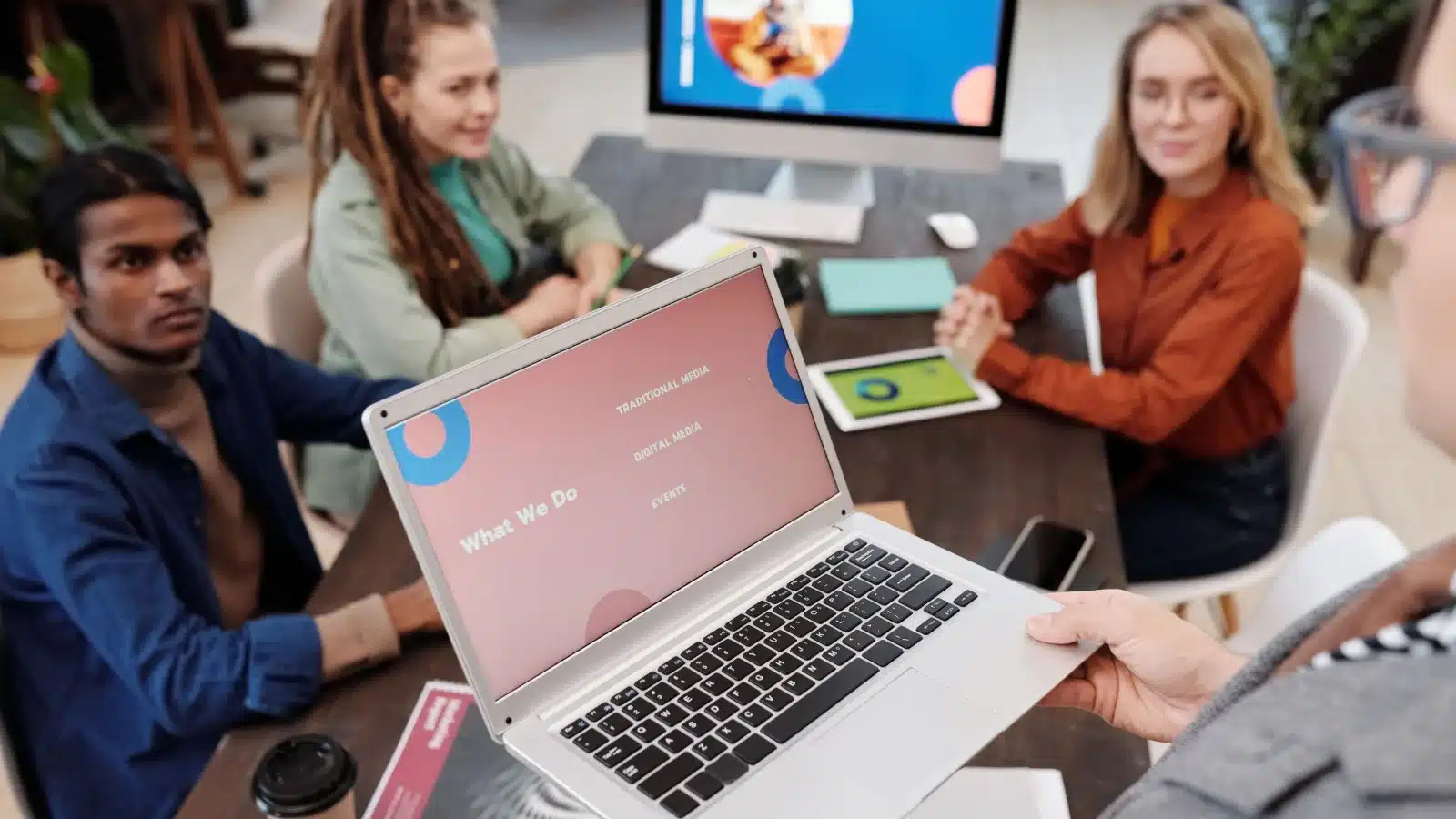
Good-looking sites often fail on the first two. A homepage slider with text baked into images, one long page for six services, or a menu that hides pages behind JavaScript can all look fine to a visitor and still give Google very little to rank.
- Crawlable: every page is linked from the menu or content and listed in the sitemap
- Clear: each page targets one topic, with a matching title, H1 and URL
- Fast: pages load quickly on a mid-range phone over mobile data
- Trusted: HTTPS, real contact details, reviews and case studies
- Measurable: Search Console and GA4 set up on launch day
The 15 rules below are grouped into four stages: structure, speed and mobile, on-page SEO and technical setup. Work through them in that order.
How should you plan the structure of an SEO friendly website?
Structure is the rule set most often skipped, and the hardest to fix after launch. Decide it with a spreadsheet before any design work starts.
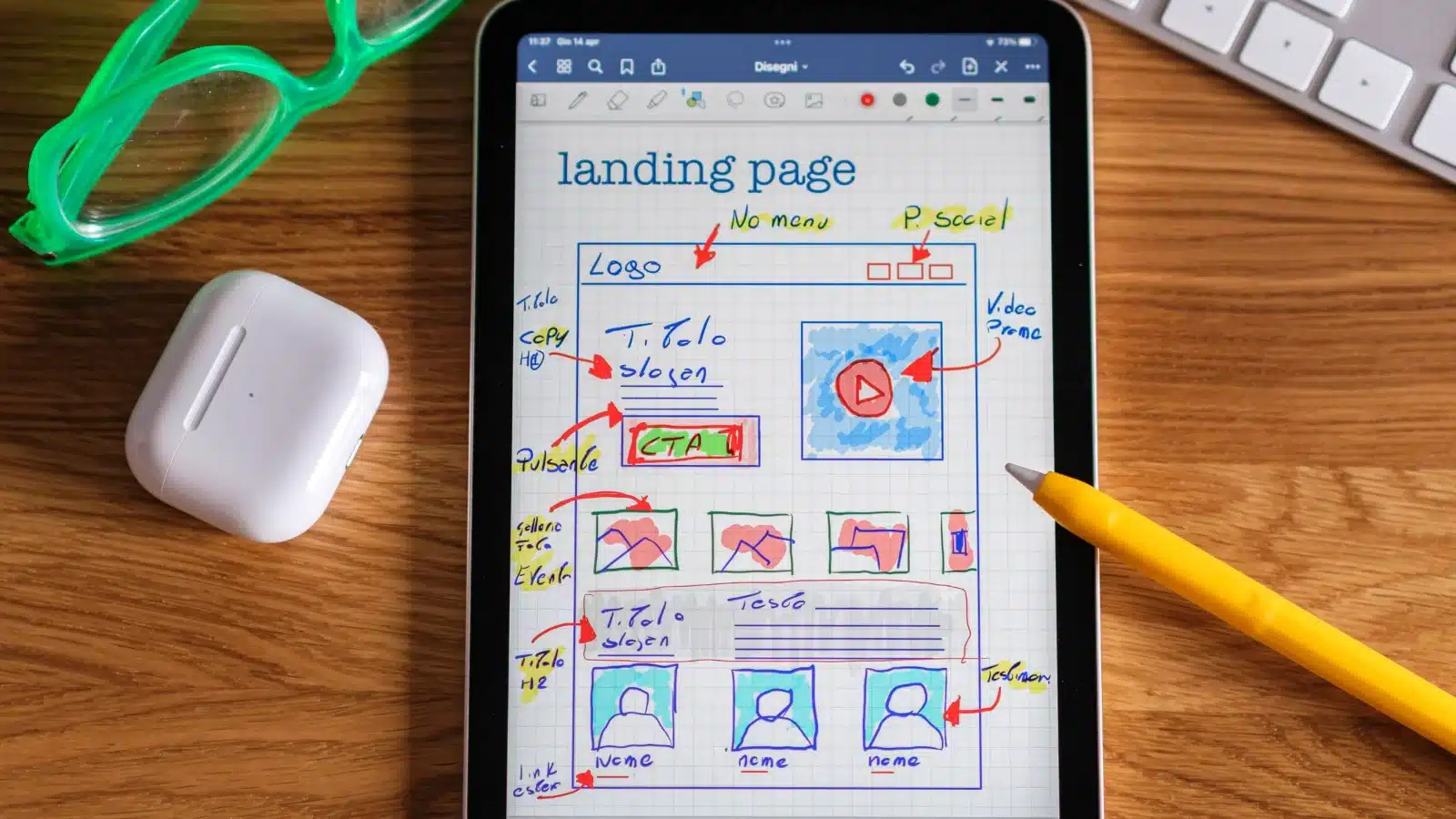
1. Plan your pages around what customers search for
List the services you sell and the words people type to find them. A plumber might find separate searches for boiler repair, bathroom fitting and emergency callouts. Each of those is a page, not a bullet point on a services page. Use free tools such as Google’s search suggestions and the queries report in Search Console if you already have a site.
2. Give every service and area its own page
One page can only rank well for one main topic. If you serve several towns, a page per town only works when each one has real local detail: jobs you did there, travel times, local reviews. Swapping the town name into a template is thin content and rarely ranks.
3. Keep the structure shallow
Every important page should be reachable within two or three clicks of the homepage. A simple pattern works for most small businesses: homepage, then service pages, then supporting pages such as areas, prices, case studies and guides. The menu should mirror that order.
4. Write short, readable URLs
Use lower-case words separated by hyphens that describe the page, such as /boiler-repair/ rather than /page-id-482/. Decide the URLs before launch and keep them. Changing URLs later means redirects, and every redirect is a chance to lose ranking signals.
What we do: before we design anything, we send you a page plan listing every page, its main keyword, its URL and where it sits in the menu. You approve it in writing, so nothing important is left out of the build.
How do speed and mobile design affect SEO?
Google uses the mobile version of your site for indexing and ranking, and it measures real-user speed with Core Web Vitals. A site that is slow or awkward on a phone loses both rankings and enquiries.
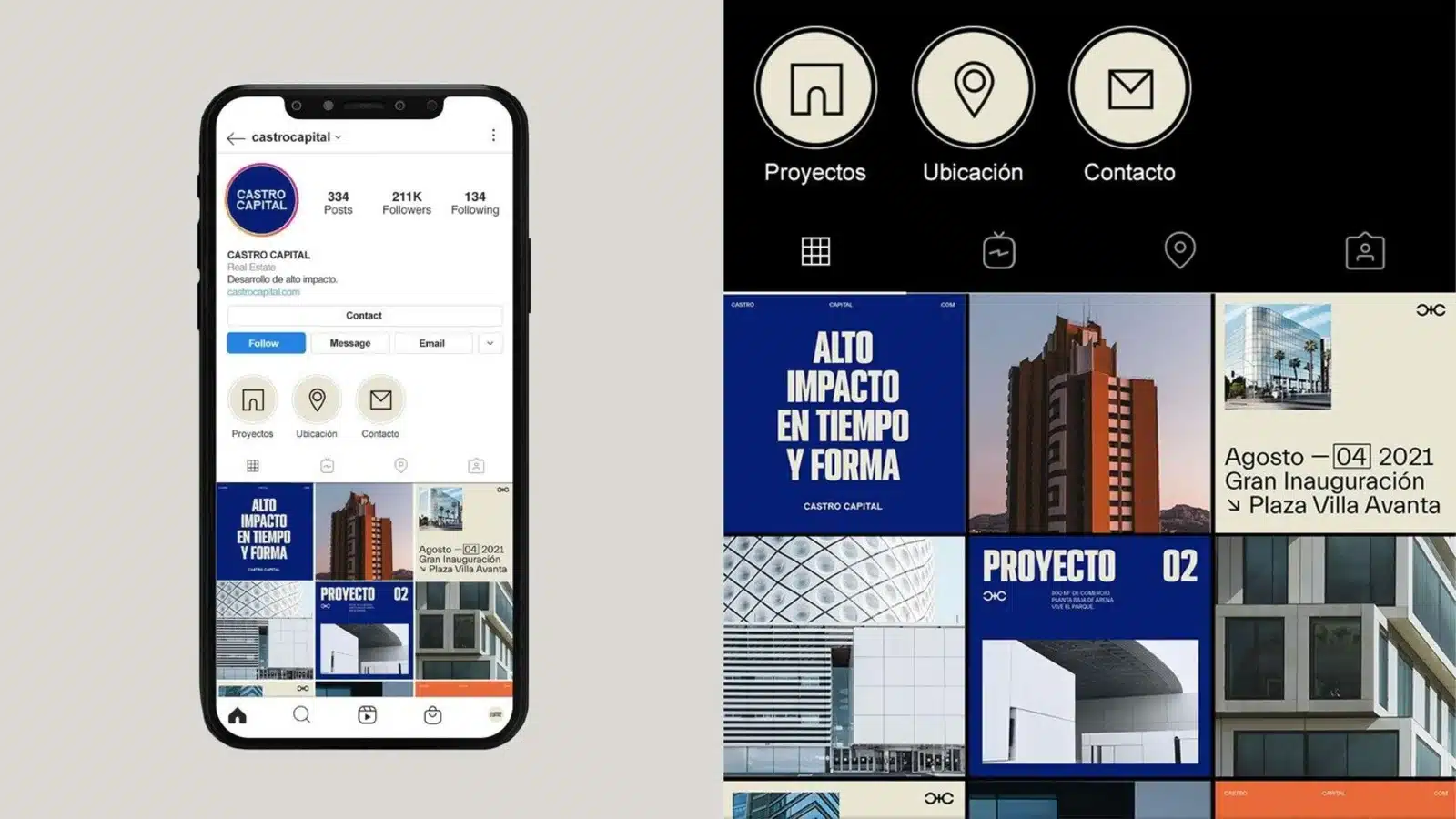
5. Design mobile first
Design the phone layout first, then scale up. Buttons should be easy to tap, text readable without zooming, and the phone number and enquiry form visible without scrolling. Make sure the mobile version carries the same content as the desktop one; text hidden on mobile may not count. Our guide to mobile SEO services covers this in more depth.
6. Build to pass Core Web Vitals
Google’s published targets are a Largest Contentful Paint under 2.5 seconds, Interaction to Next Paint under 200 milliseconds and Cumulative Layout Shift under 0.1. In plain terms: the main content appears quickly, the page reacts fast when tapped, and nothing jumps around as it loads. Ask your designer to show you the PageSpeed Insights results for sites they have built.
7. Compress images and use WebP
Large photos are the most common cause of slow small-business sites. Resize images to the size they display at, save them as WebP, lazy-load anything below the first screen and give every image a descriptive file name and alt text. A file called boiler-repair-cardiff.webp tells Google more than IMG_2041.jpg. Our free image renamer and WebP converter does the renaming and conversion in one go.
8. Choose lean hosting and a lean theme
Cheap shared hosting and themes loaded with sliders, animations and dozens of plugins slow every page. Pick UK or EU hosting with caching, a lightweight theme and only the plugins you need. Speed is far easier to build in than to bolt on later.
Which on-page SEO features should be built into the design?
On-page SEO is often treated as copywriting work added at the end. Much of it depends on how the templates are built, so agree these four rules with your designer.
9. One H1 and a logical heading order on every page
Each page needs one H1 that states its main topic, H2s for sections and H3s for points inside them. Designers sometimes choose heading tags for their size rather than their meaning. Ask for headings to be styled separately from their tags, so a small heading can still be an H2.
10. Editable titles, meta descriptions and Open Graph tags
You should be able to edit the title tag and meta description of every page yourself, with a plugin such as Rank Math or Yoast on WordPress. Building on a budget? Our guide on How to Create a Free Website in WordPress walks you through it. Put the main keyword near the start of the title and a price or offer in the description where you can; it gives searchers a reason to click. Pricing SEO as well as the build? See how much does SEO cost in the UK.
11. Real text in HTML, not in images or sliders
Text inside images, videos or carousels is hard for Google to read and easy for visitors to miss. Service descriptions, prices, FAQs and contact details should be plain text on the page. Each service page needs enough written content to answer the questions a buyer asks before they call.
12. Internal links in the menu and in the content
Links between your own pages tell Google which pages matter and how they relate. Link each service page from the menu, link related services to each other with descriptive anchor text, and link guides up to the service they support. Avoid vague anchors such as “click here”.
What we do: every site we build uses one H1 per page, headings styled separately from their tags, Rank Math for titles and meta, and a written internal linking plan, so your content team can add pages later without breaking the structure.
What technical setup does an SEO friendly website need before launch?
The last three rules are the launch checklist. They take little time to do right and a lot of time to fix once Google has crawled a broken version.

13. Add schema markup
Schema is structured data that tells search engines who you are and what a page contains. A local business site usually needs Organization or LocalBusiness schema on the homepage, Service schema on service pages, FAQPage where you have FAQs and BreadcrumbList sitewide. It also helps AI search tools describe your business accurately.
14. Make sure Google can index the site
Staging sites are usually set to noindex, and that setting is regularly left on at launch, which can remove a whole site from Google. On launch day, check that the noindex setting is off, robots.txt is not blocking pages, HTTPS works on every URL, and the XML sitemap is submitted in Search Console.
15. Redirect every old URL and track results from day one
If you are replacing an existing site, map every old URL to its closest new page with a 301 redirect. Pages that already rank or have backlinks matter most. Then connect Google Search Console and GA4, and set up key events for form sends, phone clicks and WhatsApp clicks so you can see which pages bring enquiries.
How should images be set up on an SEO friendly website?
Images make a site look trustworthy, but they are also the most common reason pages load slowly. An SEO friendly website handles them the same way on every page.

Use descriptive file names
Name each file after what it shows and the page it sits on, such as “boiler-installation-cardiff.webp”, before you upload it. A name like “IMG_4021.jpg” tells Google nothing.
Compress images and use WebP
Resize images to the largest size they are shown at and save them in a modern format such as WebP. Smaller files load faster on mobile data, which helps both visitors and rankings.
Write alt text for every meaningful image
Alt text describes the image for screen readers and for Google. Say what the image shows in plain words, and include the page’s main topic where it fits naturally.
What content should each page of an SEO friendly website have?
Design and code get a page ready to rank, but the words decide what it ranks for. Plan the content for each page before the design is finished, so the layout has room for it.

Each service page needs a clear heading that says what you do and where, a short introduction, details of what is included, a guide price or how pricing works, answers to common questions and a clear way to get in touch. Real photos of your work and reviews from customers make the page more convincing for visitors and for Google. Keep each page focused on one main service. One page, one job.
Avoid placeholder text and copied wording from other sites. Original, specific content is what separates a page that ranks from one that only looks good.
Which rules matter most if your budget is small?
All 15 rules matter, but some carry more weight for a small local business. If you have to prioritise, use this order.
| Priority | Rules | Why first |
|---|---|---|
| Must have | 1, 2, 9, 14, 15 | Without the right pages, headings, indexing and redirects, nothing else can rank |
| Should have | 5, 6, 7, 10, 11 | Mobile speed and clear text turn rankings into clicks and enquiries |
| Strongly advised | 3, 4, 8, 12, 13 | Structure, hosting, internal links and schema strengthen every page over time |
A smaller site that follows the must-have rules will usually outperform a larger, prettier site that ignores them. You can add pages later; you cannot easily undo a messy structure.
Which SEO mistakes do new website designs make most often?
We see the same problems again and again when we audit sites that were built without SEO in mind. Each one is cheap to avoid at the planning stage.

- All services squeezed onto one page, so none of them can rank
- Text placed inside banner images and sliders where Google cannot read it
- Several H1s per page, or no H1 at all, because headings were picked for size
- Every page using the same title tag, often just the business name
- Uncompressed photos several megabytes in size slowing the first screen
- The staging noindex setting left on after launch
- Old URLs deleted with no redirects, losing the rankings they had built
- No Search Console or analytics, so nobody notices the problems
None of these need an expensive fix if they are caught early. Several of them, such as missing redirects, get harder to recover from every week they are left.
How do you check a website is SEO friendly after launch?
You do not need paid tools to run a basic check. Set aside an hour in the first week after launch and work through these steps.
Check indexing in Search Console
Open the Pages report in Google Search Console. Your service pages should move into the indexed list within days or weeks. Pages marked as excluded by noindex, blocked by robots.txt or returning errors need fixing first.
Test speed on a phone
Run your homepage and two service pages through PageSpeed Insights on the mobile setting. Look at the Core Web Vitals and at the largest images flagged. Then open the site on your own phone over mobile data and try to call or send an enquiry.
Review titles and headings
Search Google for site:yourdomain.co.uk and read the titles shown. Each one should be different and describe its page. Then check that each page has one H1 using a free browser extension such as a headings checker.
Test your schema
Paste a service page into Google’s Rich Results Test to confirm the schema is valid. Fix any errors before you add more pages, because templates repeat the same mistake across the site.
What should you ask your web designer before you build?
Send these questions to every designer you are considering and ask for written answers. Vague replies are a warning sign.

- Will you send a page plan with keywords and URLs before design starts?
- Can you show PageSpeed Insights results for three sites you have built?
- Will every page have one H1, and can I edit titles and meta myself?
- Which schema types will you add, and on which pages?
- How will you handle redirects from my current URLs?
- Who owns the domain, hosting login and website files after launch?
- Will Search Console and GA4 be set up and handed over to me?
If you are comparing agencies for ongoing SEO as well as the build, our guide on how to choose an SEO agency lists the questions to ask about results, reporting and contracts.
How much does an SEO friendly website cost?
Price depends mostly on the number of pages and whether you sell online. A single landing page suits a new business testing one service; most local service businesses need five to ten pages to cover their services and areas properly.
If you also want ongoing work to grow rankings after launch, see our SEO services, or compare everything on our prices page.
What WayRankPro charges
SEO-ready WordPress websites: £199 for 5 pages, £499 for 10 pages, £699 for 20 pages and £1,199 for ecommerce. Every build includes mobile-first design, one H1 per page, Rank Math set up, schema and a sitemap. All prices include VAT.
SEO-friendly website design: FAQs

What is an SEO friendly website?
It is a website built so Google can crawl and understand every important page, with one page per service, fast mobile loading, one H1 per page, editable titles and meta, schema markup and a sitemap. It gives each page a fair chance to rank for what customers search.
Is WordPress good for SEO?
Yes, when it is set up well. WordPress with a lightweight theme, good hosting and an SEO plugin such as Rank Math gives you full control over titles, URLs, headings and schema. Problems usually come from heavy themes and too many plugins, not from WordPress itself.
Can I make my existing website SEO friendly without rebuilding it?
Often, yes. Titles, headings, content, internal links, images and schema can usually be fixed on the current site. A rebuild makes sense when the site is very slow, hard to edit, or missing pages you need and cannot add.
How long does it take a new website to rank?
It varies with competition, the number of pages and how much authority the domain already has. Pages targeting low-competition local searches can start appearing within weeks, while competitive terms take months and usually need content and links as well as a good build.
Do I need a blog for my website to rank?
Not to start with. Service pages bring the enquiries. Guides help later by answering buyer questions and linking to your services, so add them once your main pages are live and indexed.
Will a redesign hurt my Google rankings?
It can if URLs change without redirects, content is removed, or the new site is left set to noindex. Mapping 301 redirects from every old URL and keeping the content that already ranks protects most of your rankings.
Does website design affect SEO?
Yes. Design decides how fast pages load, how easy they are to use on a phone, whether text can be read by Google and how pages link to each other. All of these affect how well a site ranks, which is why SEO is easiest to get right before a site is built.
Should my web designer also do SEO?
Your designer should build SEO features into the site, such as clean headings, fast pages and editable titles. Ongoing SEO, like keyword research, content and links, is a separate job, so check who is responsible for it once the site is live.
Sources
Google Search Central: SEO Starter Guide; Google Search Central: Mobile-first indexing best practices; web.dev: Web Vitals.

Harry, Founder of WayRankPro
Harry founded WayRankPro, a Cardiff SEO agency. He has 8 years of experience in WordPress and Shopify SEO and specialises in technical and on-page SEO. He reports every client's results from their own Search Console and GA4.
Free website check · Fixed quote
Is your website built to rank?
Send us your website or your plans and we will check them against these 15 rules, then send a clear fix list within one business day with a fixed quote for anything you want us to build. Our Cardiff SEO agency team builds every site SEO friendly from the first page plan.
- Free audit, no obligation and no contract to sign
- Reply within one business day
Book a meeting and get exclusive deals plus a free gift
Prefer to talk? Call us, WhatsApp or Email hello@wayrankpro.co.uk.
Cardiff, South Wales · Serving businesses across the UK